
Hello And Welcome Friends!
How to use pixellab app
In this article i am going to show you guys how to edit your pictures professionally using your Android mobile phone. Within a few minutes, So lets get started
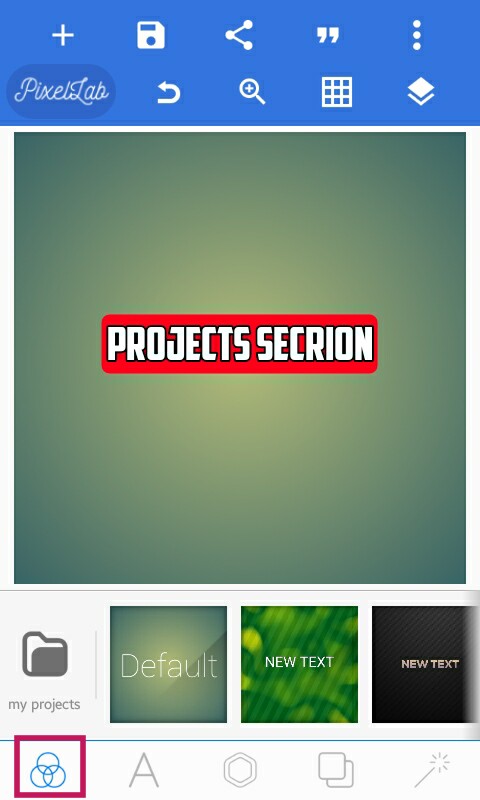
1 :- Projects Section :
From this section you can import your own project file .plp If you have of if you created before.
You can also use pre-made project templates if you want.
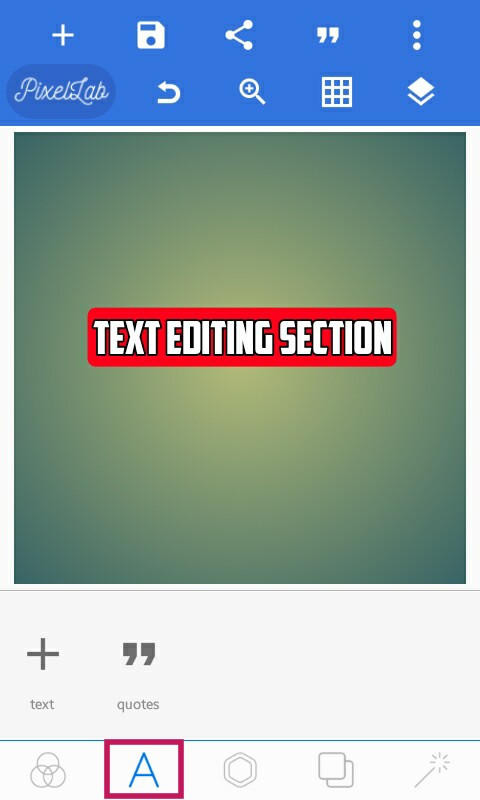
2 :- Text Editing Section :
Form this section you can.
Add Text.
Change Font Style.
Copy Text.
Change Position Of The Text.
Change Size Of The Text.
Change Color Of The Text.
Use Different Textures For Text.
Change Alignment Of Text.
Give Stroke.
Use Shadow Text.
Use 3D Text.
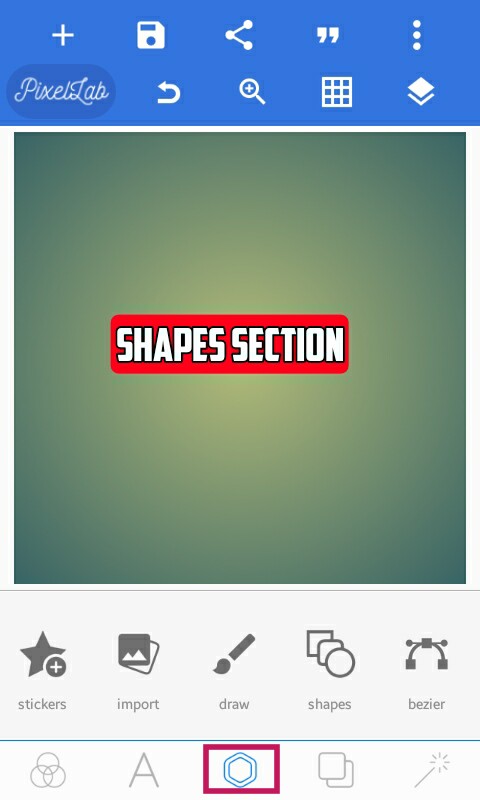
3 :- Shapes Section :
From this section you can,
Add Stickers
Import Pictures From Gallery
Draw
Add Shapes
Use Bezier Tool.
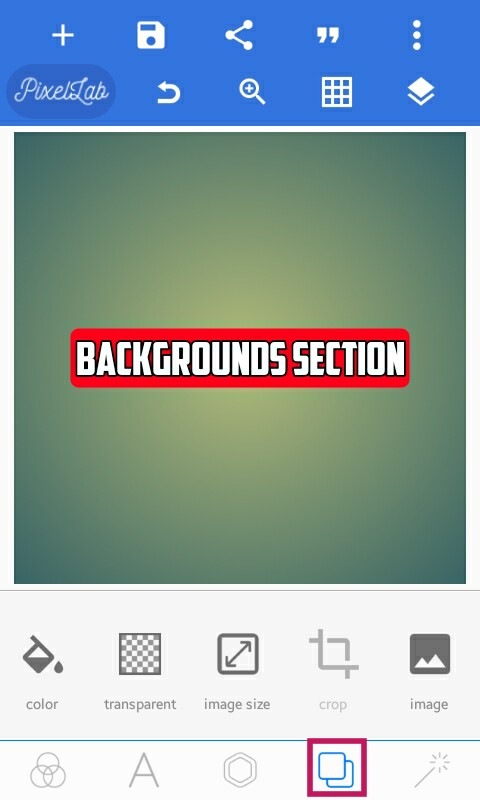
4 :- Backgrounds Section :
From this section you can,
Change Background Color.
Make Your Background Transparent.
Change Image Size.
Use Pre Installed Backgrounds.
Import Background Picture Form Gallery.
Click A Picture Through Camera As A Background.
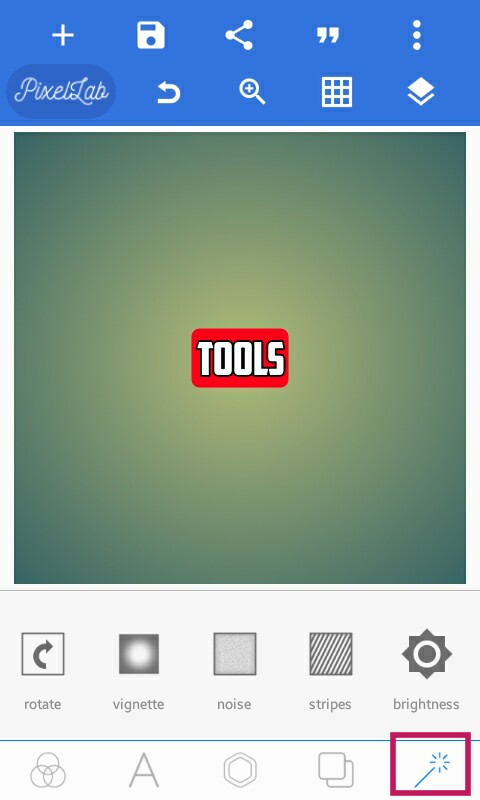
5 :- Tools Section :
From This Section You Can,
Rotate Your Image.
Use Vingette Effect.
Use Noise Effect.
Use Straps.
Increase Or Decrease Brightness.
Change Contrast.
Change Hue.
Increase Or Decrease Saturation.
So Friends Thank For Bieng Here, Love You All.
If you guys are interested In article related to your heal then,
 King'sTech